A short recurring security review can catch outdated software, weak account settings, risky extensions and backup problems before they become incidents. This guide explains the practical factors behind PC security checklist, what to prioritize, and how to avoid common security mistakes without turning your computer into a complicated IT project.
Start with the risk, not the marketing
Security decisions are easier when you begin with what can actually go wrong. Everyday Windows users face malicious downloads, deceptive websites, credential theft, unwanted software and compromised accounts. A useful protection setup should reduce those risks without constantly interrupting normal work. Look at how the computer is used: downloading many files creates a different profile from a machine used mainly for documents and streaming. Shared PCs also need stronger account separation and clearer browser controls.
What good protection should include
For most people, the foundation is real-time file monitoring, web or phishing protection, automatic updates and scheduled scanning. Behavior-based detection matters because not every new threat has a known signature. Quarantine should be understandable and reversible when a legitimate file is flagged. Extra features can be valuable, but they should solve a real need. Password tools, privacy checks, cleanup utilities and VPN features are useful only when you will actually configure and use them.
Performance and usability matter
Protection that is disabled because it is annoying provides little value. Check whether scans can run when the PC is idle, whether gaming or presentation modes reduce interruptions, and whether alerts explain what happened in plain language. A security suite should make important warnings obvious while avoiding a stream of low-value notifications. On older hardware, pay special attention to startup impact and background CPU use. On newer systems, the difference may be less noticeable but still worth testing.
Build a layered security routine
Antivirus is one layer, not a replacement for basic maintenance. Keep Windows, browsers and commonly used applications updated. Use unique passwords and enable multi-factor authentication on email, financial and cloud accounts. Back up files that would be painful to lose, ideally with at least one copy that is not continuously writable from the PC. Treat unexpected attachments, urgent payment requests and login links as suspicious until independently verified.
How to evaluate a security product
Use a short checklist instead of relying on one badge or score. Confirm compatibility with your Windows version, identify which features are included in the specific plan, review renewal terms and check how many devices are covered. Then test the interface: can you find scan controls, exclusions, quarantine and subscription settings quickly? Independent lab results can add useful context, but no single test predicts every real-world situation. Combine test evidence with practical usability and your own needs.
A practical recommendation
For a typical home PC, simplicity is a major advantage. Choose one primary real-time antivirus rather than running several competing engines at once. Configure automatic updates, run an initial full scan and review browser protection. After that, let the product handle routine monitoring while you focus on safe account and browsing habits. Revisit the setup when your device mix or usage changes. Security should be maintained, but it should not become a daily project.
Quick reader poll
What matters most to you when choosing PC protection?
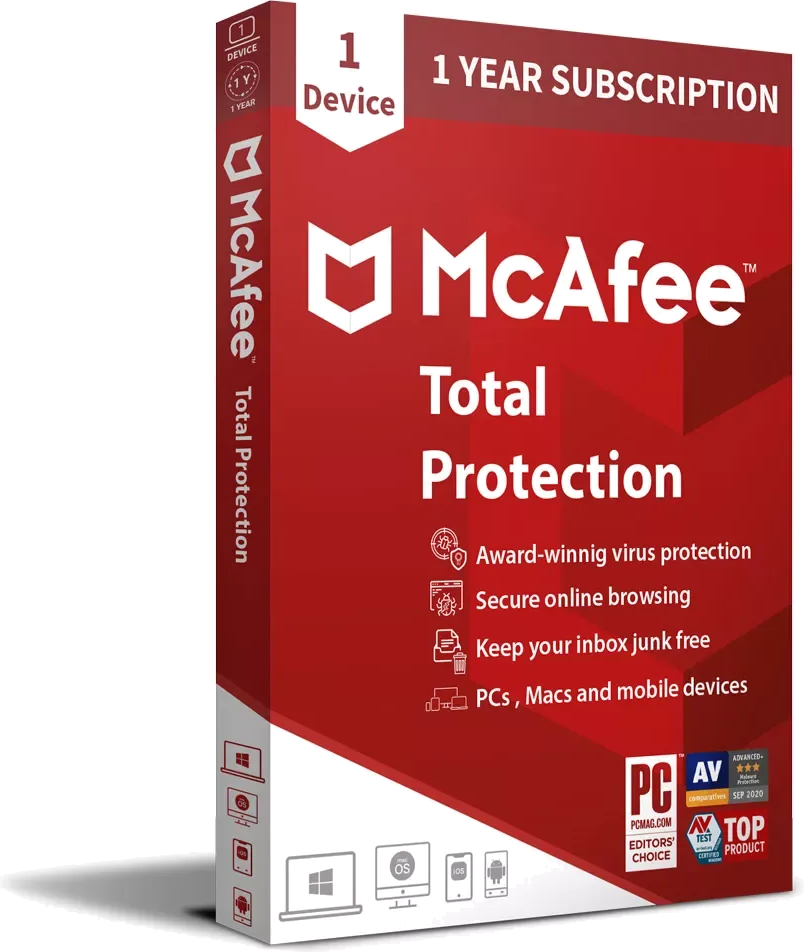
See why McAfee Total Protection Family is our current #1 family security pick for 2026.
View McAfee Family deal →